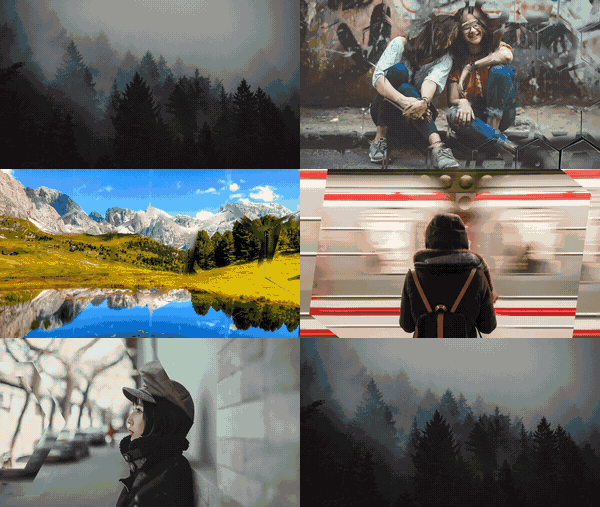
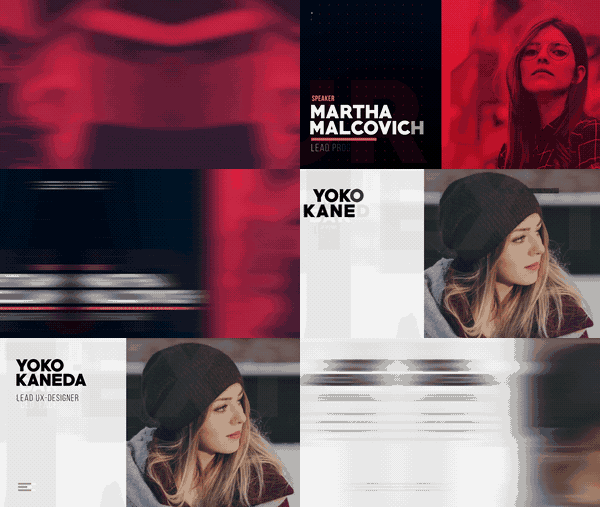
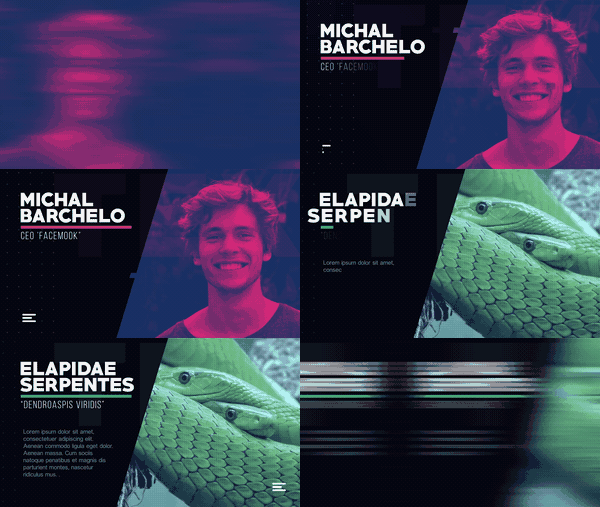
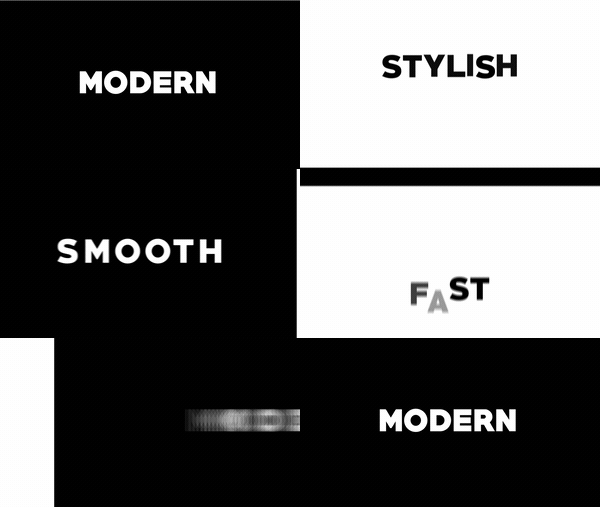
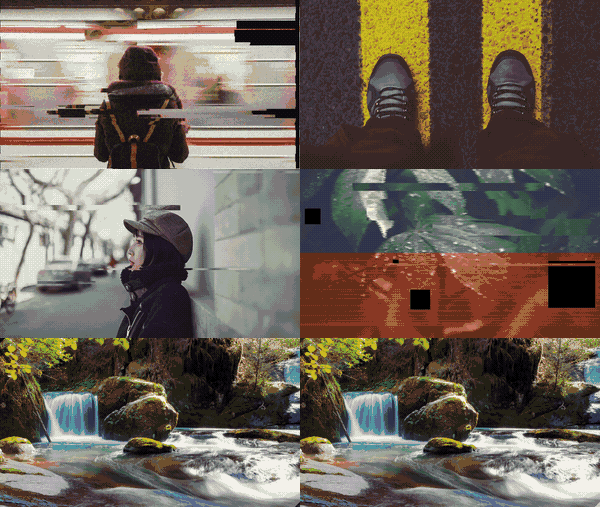
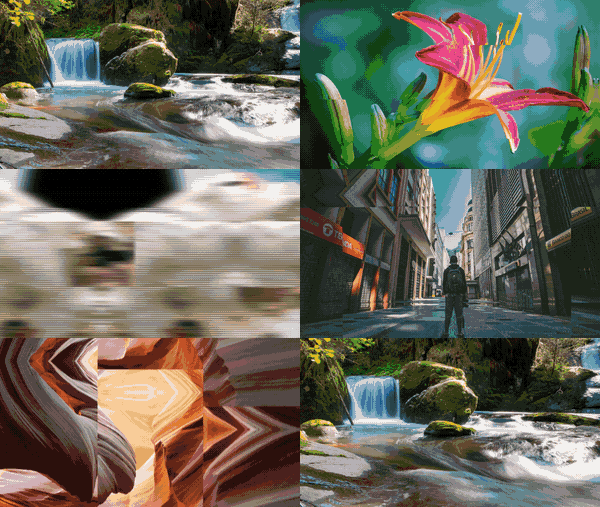
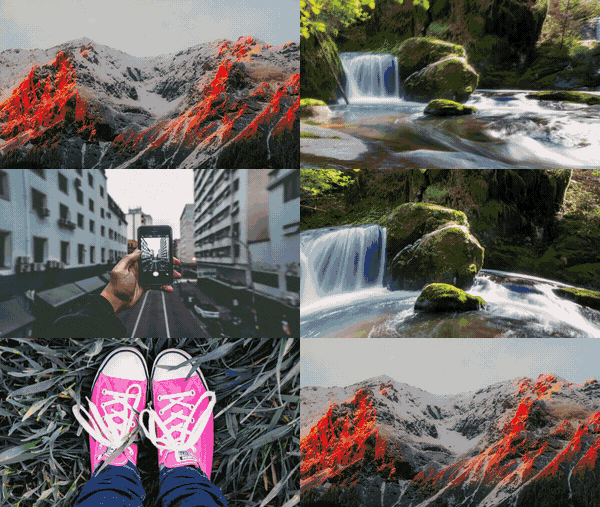
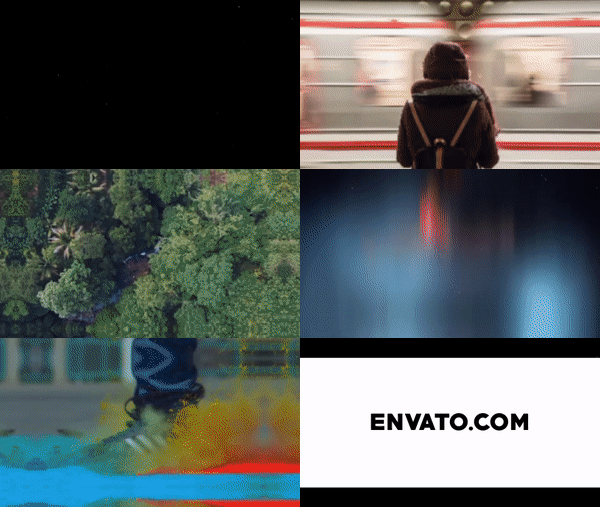
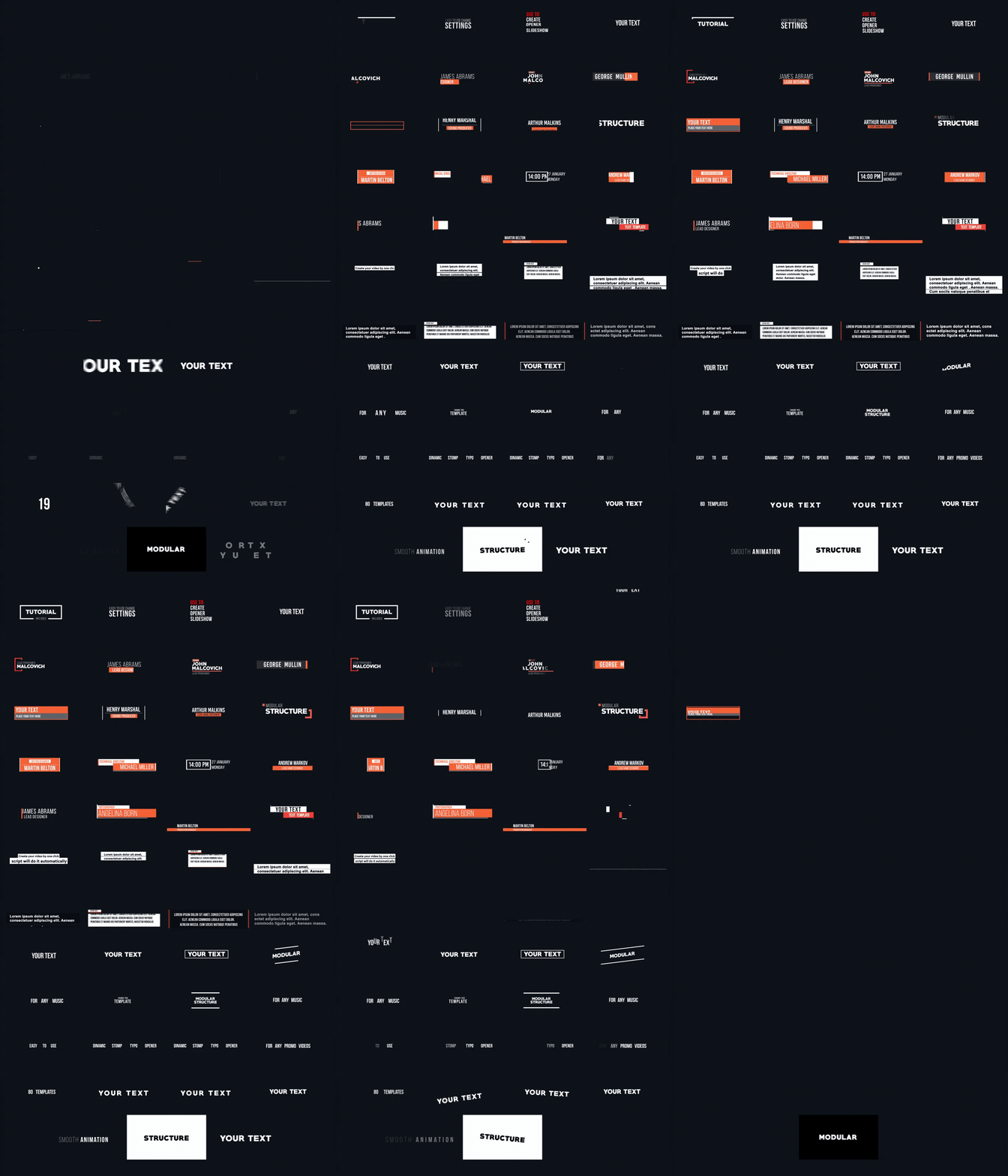
TypeX is a powerful tool, that let’s you make high quality animated titles in a one click. You can use a provided pack of titles or create your own. Just choose the preset from the library and click the “animate” button. You can easily change the animation style, colors, duration, warp style and much more. Make animated titles for your projects easily and with pleasure. Buy now and you will get the future updates for free!
Project Features:
Trapcode Particular vesion 2.2.5 or later REQUIRED!
TypeX Script v1.5. You can quickly create and edit titles from anywhere in your project.
12 animation presets
6 titles scenes
Only Great Vibes font. (More fonts will be added in next updates)
Only Latin Alphabet (94 Glyphs)
In and Out animation
Multi-line text
Font size up to 300px
Easy customization. Change colors, fonts size, tracking and more.
FullHD resolutions.
After Effects CC (12.2) or later.
Universalized expressions (works with any AE’s language)
Trapcode Suite 15 là plugin cho đồ họa chuyển động trong After Effects. Red Giant Trapcode Suite là một bộ gồm 11 công cụ cho đồ họa chuyển động 3D và hiệu ứng hình ảnh.
Trapcode Suite là một tập hợp của mười một plug-in chuyên nghiệp cho đồ hoạ chuyển động 3D cũng như hiệu ứng hình ảnh tiên tiến trong Adobe After Effects. Red Giant Trapcode Suite là gói phần mềm tiêu chuẩn cho đồ họa chuyển động, thiết kế 3D và các hiệu ứng hình ảnh. Chương trình có thể tạo ra một cách sinh động các hệ thống phức tạp mô phỏng đồ họa và hiệu ứng ngoạn mục. Nó bao gồm các công cụ tiên tiến để làm việc với các tùy biến, đối tượng 3D , các tiêu đề văn bản có chất lượng cao, hình nền động, các phương pháp điều chỉnh bằng biểu trưng và hơn thế nữa.
Trapcode Suite là một phần mềm plugin ‘cần có ‘ cho các đồ hoạ chuyển động, cũng như nhà thiết kế VFX để tạo ra các hệ thống phức tạp một cách dễ dàng hơn. Nó cung cấp các công cụ và cài sẵn để làm cho hiệu ứng hình ảnh dễ dàng hơn, trong khi nó cũng cung cấp các công cụ và các tùy chọn tiên tiến để tùy chỉnh hầu hết mọi khía cạnh của ảnh động và hiệu ứng. Trapcode có tính năng tăng tốc GPU và tối ưu hóa công việc của bạn trong việc tạo ra hiệu ứng hạt 3D, các yếu tố đồ hoạ chuyển động phức tạp và hơn thế nữa.
Những cải thiện:
Tăng tốc GPU với tốc độ tăng tốc lên tới 4 lần
Sử dụng máy ảnh và đèn 3D của After Effects
Sử dụng mô hình và trình tự 3D làm trình phát
Tạo MoGraph tuyệt đẹp với các mô hình và trình tự 3D
Tạo hình dạng hình học, ruy băng và nhiều hơn nữa
Tạo hình học từ Mặt nạ, Đường dẫn và Chuyển động
Hoạt động với máy ảnh và đèn 3D của After Effects
Mô phỏng tia sạch hoặc khói fractal với độ sâu
Logo, văn bản và đường dẫn có cuộc sống của riêng họ
Tự động hóa hoạt hình 3D phức tạp, nhiều lớp dễ dàng
Sử dụng bất kỳ âm thanh trong animation và hiệu ứng
Sử dụng bản đồ hình ảnh hoặc tạo một gradient nhiều màu
Có sẵn 49 cài đặt trước để bạn bắt đầu dễ dàng
Trapcode Suite brings the power of 3D particle systems right into After Effects. Use particle emitters to create fire, water, smoke, snow and other organic visual effects, or create technological marvels and user interfaces with immortal particle grids, text and 3D forms. Combine multiple particle systems into one unified 3D space for visually stunning results. With GPU acceleration, Trapcode plugins help you get beautiful results fast.
PHYSICS & FLUIDS
For the first time ever, run realistic fluid simulations using the new Dynamic Fluids™ physics engine, or emulate particles moving through the air and bouncing off surfaces.
3D OBJECTS & SURFACES
Create flowing surfaces, mountainous terrains, endless tunnels, and abstract shapes. Use paths and motion to generate beautifully complex geometric shapes, ribbons and extrusions. Whether you are creating motion graphics or visual effects, the possibilities are endless.
LIGHTS AND GLIMMERS
Bring light and life into your motion design. Simulate organic, 3D-camera aware volumetric lighting. Use masks and paths to add light streaks that can bring your logos and text to life and add starry glimmers to accent the highlights in your work.
SOUND AND MOTION
Use audio to generate keyframes that drive animation and effects. Scale, rotate and move to the beat, or use drum hits to create particle effects. Duplicate and offset layers and their motion with ease. Trapcode Suite gives you the power to automate complex animation easily.
WHAT’S NEW IN TRAPCODE SUITE 15.1
This update comes just a few months after the launch of Trapcode Suite 15, which includes the brand new Dynamic Fluids™ physics engine for creating particle systems that interact, swirl, and mix in a realistic fluid environment. Here’s what’s new in this free update:
TRAPCODE PARTICULAR 4.1
Text Emitters – Use text as an emitter, speeding up the creation process dramatically from previous versions. No precomping required. Create write-on effects by controlling the reveal of particles along text paths.
Mask Emitters – Use masks as an emitter, making it simple to create uniquely shaped emitters or to use parts of an image as the source of particle emissions. No precomping required. Create write-on effects by controlling the reveal of particles along mask paths.
Updated Designer – New in this version is support for text and masks, making it possible to create text and mask path-based effects directly in the Designer.
Shadowlet particle type matching – Match the shadowlet shape to the particle type for shadowing that matches the source. Previously, all shadowlets were circular.
Shadowlet softness – control the softness of your shadowlet.
Presets – 21 new presets have been added to give you instant results and help you get started with new features. There are now over 355 presets included with Particular.
TRAPCODE FORM 4.1
Text Forms – Use text as a base form, speeding up the creation process dramatically from previous versions. No precomping required. Also includes options for write-on effects that control where along the text paths particles are created.
Mask Forms – Use masks as a base form, making it simple to create forms with the After Effects mask/path tools, or to use parts of an image as the source of the form. No precomping required. Create write-on effects by controlling the reveal of particles along mask paths.
Updated Designer – New in this version is support for text and masks, making it possible to create text and mask path-based effects directly in the Designer.
Shadowlet particle type matching – Match the shadowlet shape to the particle type for shadowing that matches the source. Previously, all shadowlets were circular.
Shadowlet softness -Control the softness of your shadowlet.
Presets – 21 new presets have been added to give you instant results and help you get started with new features. There are now over 170 presets included with Particular.
Add authentic camera shake to your footage and motion graphics with these 15 FREE presets. Do you have footage shot on a tripod that you want to appear handheld? You can easily add camera shake to your video with these free presets designed for After Effects. You can also apply the free camera shake presets and bring the footage into a Premiere Pro project.
Download 15 Free Camera Shake Presets In this pack of free presets from PremiumBeat, you’ll get the following:
24mm Camera Shake Preset (4K and HD)
Heavy Movement
Medium Movement
Light Movement
35mm Camera Shake Preset (4K and HD)
Heavy Movement
Medium Movement
Light Movement
50mm Camera Shake Preset (4K and HD)
Heavy Movement
Medium Movement
Light Movement
85mm Camera Shake Preset (4K and HD)
Heavy Movement
Medium Movement
Light Movement
Zoom Camera Shake Preset (4K and HD)
Crazy Zoom
Light Slam Zoom
Light Slow Zoom
But wait, if you add up the 4K and HD presets, that’s more than 15! It’s actually a pack of 30 FREE camera shake presets!
Using the 15 Free Camera Shake Presets in After Effects and Premiere Pro Want to learn how to use these presets on your next project? This tutorial will walk you through everything you need to know.
What is Optical Flares? Optical Flares is a plug-in for designing and animating realistic lens flares in After Effects. The video could not be loaded, either because the server or network failed or because the format is not supported. Add More Flare! Great For: • 3D Animation • Motion Graphics • Commercials • Music Videos • Graphic Transitions • Compositing • Special Effects • Combine with Particle Effects
Optical Flares Uses: • Add final touches to Motion Graphics • Simulate Concert or Stadium Lighting • Fake Volumetric Lighting • Help Blend 3D Animations • Build a virtual Light Array for Music Videos • Add Realism to your Virtual Sets • Add Flares to Live Action Footage • Simulate Visible Atmosphere with Lighting • Simulate Bright Lights in your scene • Draw focus to a product or graphic • Accentuate Highlights or contours
Mettle SkyBox Studio gives you the most complete set of tools available for 360/VR Production in After Effects. A hybrid script/plugin solution, with 4 separate modules that address different aspects of 360/VR production in Ae. Awarded “Highly Commended” Badge by 3D World! Works within After Effect’s 3D space, with most Ae 3D plugins, including mettle ShapeShifter Ae, FreeForm, FreeForm Pro, Trapcode Particular and Form, Element 3D, Plexus and others.
SkyBox Studio is a hybrid script/plugin solution that makes it possible to create 360/VR in After Effects. Create a new Ae comp or take an existing comp and bring it into 360/VR format. Import stitched 360 footage into After Effects and apply SkyBox Extractor to create an undistorted view of your footage; makes it easy to add text, graphics and vfx. Create Dome format between 180 – 270 degrees with an adjustable Field of View. Easily convert between Equirectangular, Spherical, FullDome and Cubic Cross Formats. Works within After Effects 3D space, and with most After Effects 3D plugins (mettle ShapeShifter Ae, FreeForm, FreeForm Pro, Trapcode Particular and Form, Element 3D, Plexus) .
360/VR Format Compatible with all the latest VR and gaming formats. Cubic Cross, Equirectangular and Spherical Formats. Got one format and need another? SkyBox Converter does it almost instantly. Reflection/Environment Maps.
For After Effects: Use a SkyBox Map (animation/still) as a Reflection/Environment Map in After Effects, and your background and reflections will perfectly sync. Tải Mettle SkyBox Studio v2.61:
How to create the intro, or the trailer perfectly and beautifully, you can create a video for social posting or advertising is very reasonable.
Multifunction Particles Toolkit là một plugin của After Effects mà ít người biết đến trong khi nó lại rất tuyệt vời. Multifunction Particles Toolkit có thể giúp chúng ta tạo những intro hay trailer một cách hoàn hảo, đẹp mắt và cực dễ dàng, anh em có thể tạo cho mình những đoạn video cho chính mình để đăng lên mạng xã hội hoặc quảng cáo rất hợp lý.
Hướng dẫn sử dụng đã có link tải xuống. Tuy nhiên anh em muốn dùng Multifunction Particles Toolkit thì cần có Effect Particular của thuộc bộ Trapcode Suite của Red Giant. Anh em có thể tải Trapcode Suite 13.1.1 tại đây. Enjoy.
Before downloading the script, open After Effects and go to EDIT > PREFERENCES > GENERAL. In this tab, search for option “Allow Scripts to write and access network”, and make sure it’s checked. Download the script, and place the folder from the archive in your After Effects folder > Support Files\Scripts\ScriptUI Panels Now you can access it from your Window tab inside After Effects. Additionally, you can run the script directly by going to File -> Script -> Run Script. Make sure All File Formats is selected, in the bottom right corner. Some users have reported that having a different language in After Effects might cause problems. If you can’t run Utiliy-Box with the instructions above, try setting your After Effects language to ENGLISH Download Utility Box miễn phí:
Hướng dẫn cài đặt: Sau khi tải xuống, anh em copy file Utility_Box_v1.6.jsxbin vào thư mục cài đặt của After Effects mặc định là C:\Program Files\Adobe\Adobe After Effects CC 2018\Support Files\Scripts\ScriptUI Panels Để mở Panels, vào After Effects > Windows > Utility_Box_v1.6.jsxbin Enjoy.
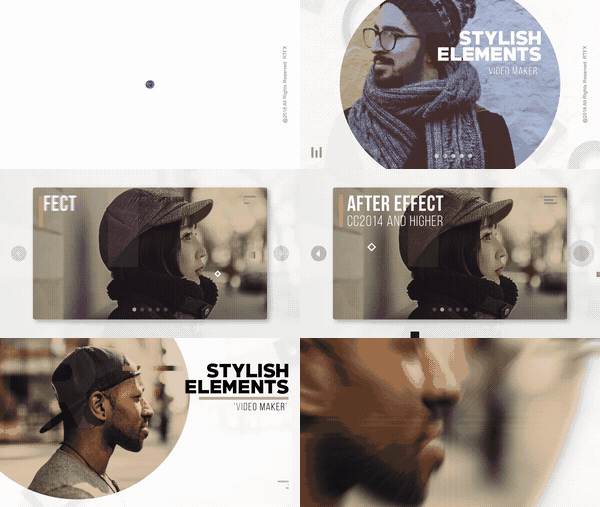
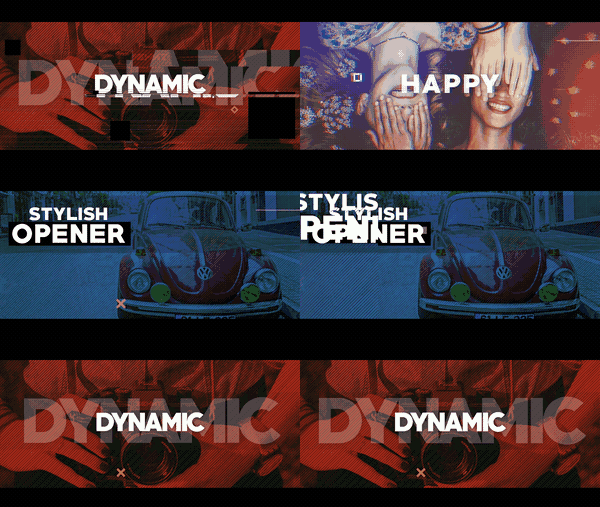
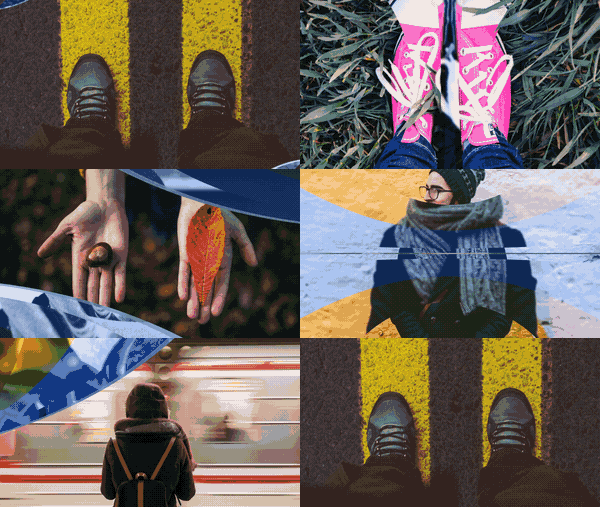
Video Maker is a complex tool designed for creating high-quality videos in the most simple but, at the same time, flexible manner. It will allow you to create any type of video for any topic, that is, promo and music video, slideshow, presentation, social media video, broadcast and more.
Video Maker là một công cụ phức tạp được thiết kế để tạo video chất lượng cao theo cách đơn giản nhất nhưng đồng thời, linh hoạt. Nó sẽ cho phép bạn tạo bất kỳ loại video cho bất kỳ chủ đề, quảng cáo và video âm nhạc, trình chiếu, trình bày, video truyền thông xã hội, phát sóng và nhiều hơn nữa.
Đây là bộ plug-ins VideoMaker cho After Effects và Premiere gồm cung cấp cho bạn hơn 500 assets, hiệu ứng, văn bản và các transitions. Tuy nhiên bộ plug-ins này chỉ áp dụng cho phiên bản CC2015.3 trở lên.
Assets
Transitions
Templates
Social Media
Texts
Video Maker: Starter Pack(+500 Elements) 15 multi-purpose templates 15+ effects 15+ assets 20+ template-presets 100+ text elements 250+ transition elements etc. Video tutorials Any resolution Compatible with Premiere Pro via the Dynamic link Works with any templates Easy to use Music not included Tải bộ Plug-ins VideoMaker tuyệt đẹp: